Table of Contents
What Does Setup Windows On Your Android Device Mean?
Why Use a Computer Launcher on Android?
How to Setup Windows On Your Android Device
Best Windows Launcher Apps for Android
Windows Launcher vs Android Launcher
Frequently Asked QuestionsConclusion
Key Takeaways
Learn how to Setup Windows On Your Android Device in just a few minutes.
Discover the best launcher apps that give Android a Windows PC look.
Understand the difference between a Windows-style launcher and a normal Android launcher.
Find practical tips for getting a smoother desktop-like experience on any Android phone.
Introduction
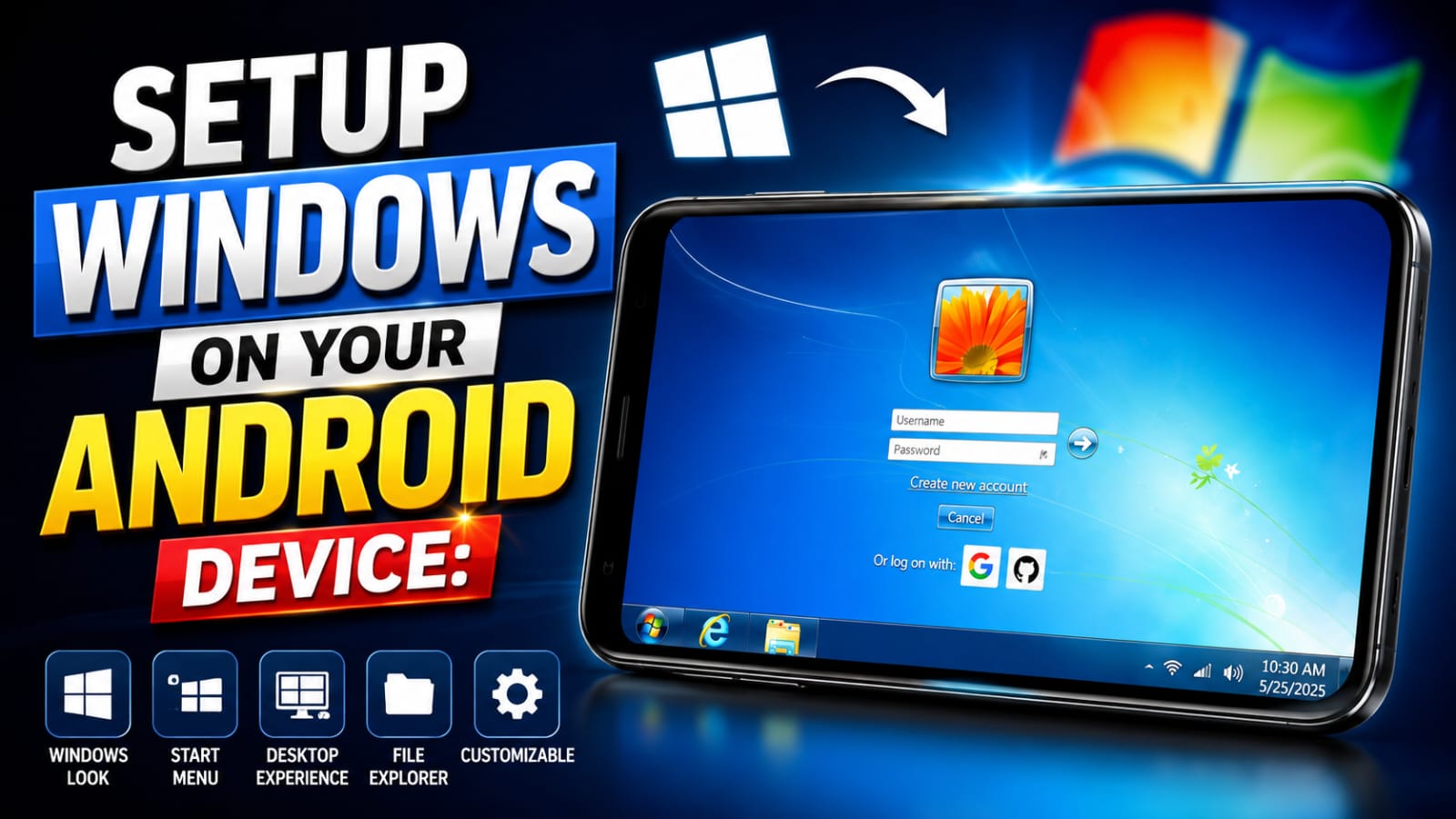
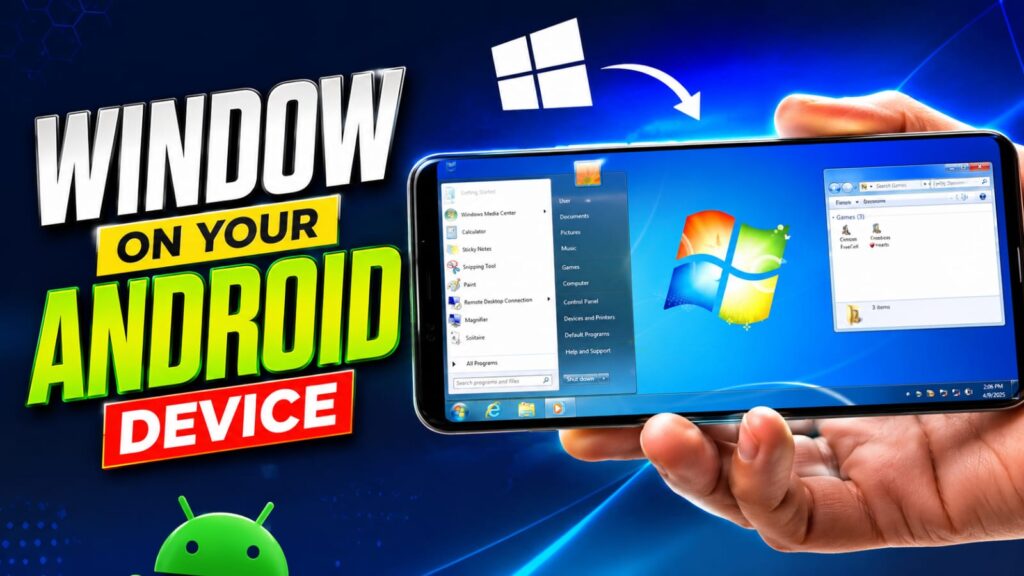
Your Android phone can look and feel surprisingly close to a Windows computer without installing a new operating system. With the right launcher and a few simple settings, you can Setup Windows On Your Android Device and enjoy a familiar desktop interface complete with a Start Menu, taskbar, desktop shortcuts, and file-style navigation.
I’ve tested several Windows launcher apps on budget and flagship Android phones over the years. Some provide an authentic desktop experience, while others focus only on appearance. This guide explains what actually works, which launcher apps are worth installing, and how to configure everything for the best experience.
By the end, you’ll know exactly which app to choose, how to customize it, and what limitations to expect before making the switch.
Why Use a Computer Launcher on Android?
Not everyone wants the same Android home screen. A Windows-inspired launcher offers a different experience that many users find easier to organize.
Familiar Desktop Layout
If you spend hours using Windows on your laptop or office computer, switching to a similar interface on your phone feels natural. Apps become easier to locate because they resemble desktop shortcuts instead of traditional Android icons.
Better Organization
Desktop-style folders and shortcuts can make your home screen cleaner. Many launcher apps let you arrange apps in categories, similar to folders on a computer.
Improved Productivity
Several Windows launchers include:
Floating windows
Multi-tasking support
File manager shortcuts
Quick search
Calendar widgets
Notes and sticky notes
Does a Windows launcher affect battery life?
Some launchers use slightly more battery because of additional animations and background services. Choosing a lightweight launcher and disabling unused features can help reduce battery usage.
When should I remove a Windows launcher?
If you notice slower performance, increased battery drain, or simply prefer the standard Android interface again, you can uninstall the launcher at any time without affecting your personal data.
Setting up a Windows-style interface is one of the easiest ways to refresh your Android phone without changing its operating system. By choosing a trusted launcher, customizing the desktop, and following the tips in this guide, you can Setup Windows On Your Android Device with a clean, PC-inspired experience that suits everyday use.
Try one of the recommended launcher apps, explore its customization options, and create a desktop layout that matches your workflow. With just a few minutes of setup, your Android phone can feel surprisingly close to a Windows computer.