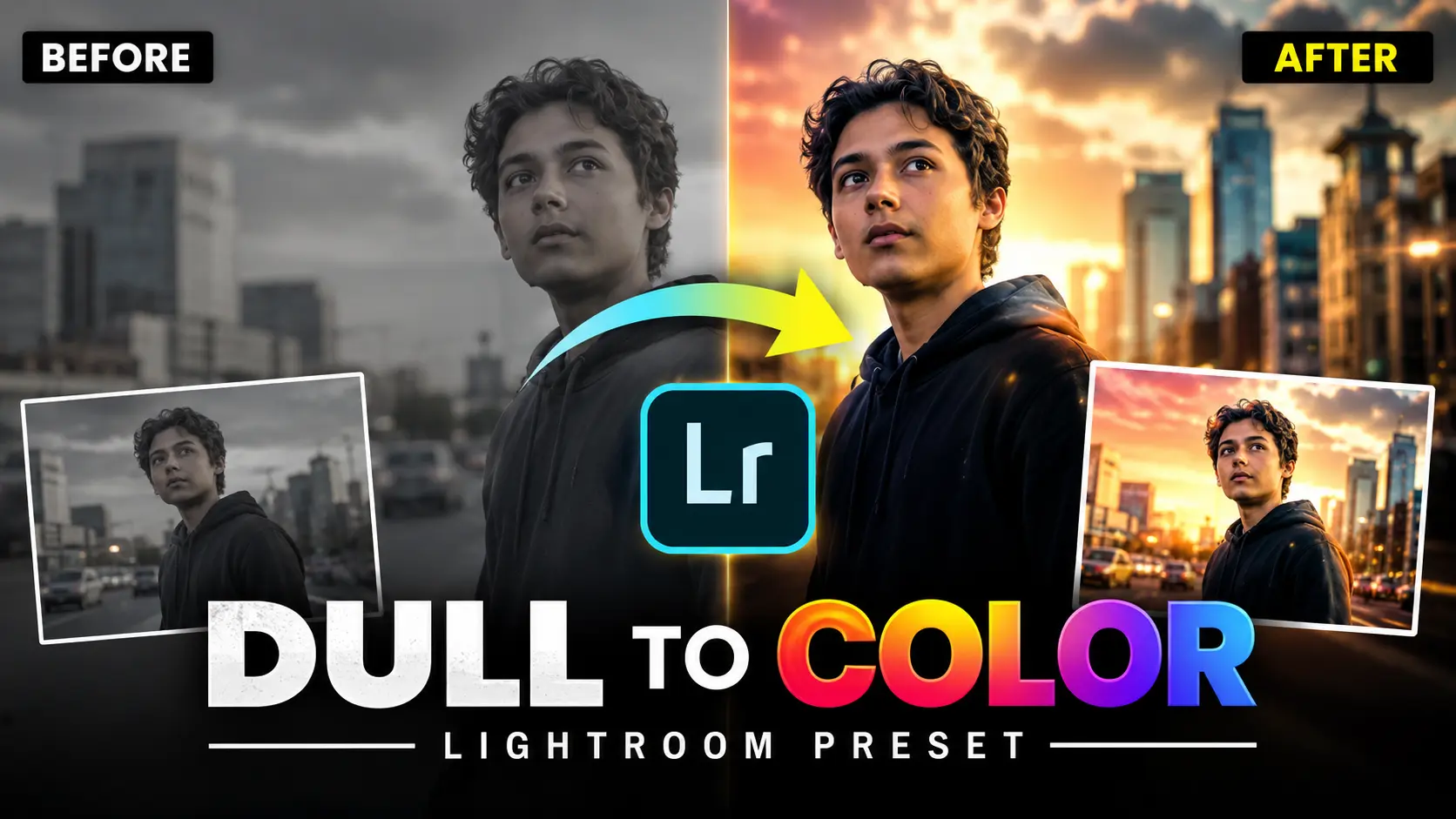
Do you want your photos to look like they were edited by a professional?
Most people think professional photo editing is very difficult. You need to know color grading, filters, light correction, and so many other things.
But what if I tell you — there is a free Android app that does all of this for you in just one tap?
It is called Presetit. And in this post, I will tell you everything about it.
What is Presetit?
Presetit is a free Android app that gives you ready-made Lightroom presets. These presets are basically editing styles — you just apply them to your photo and it instantly looks amazing.
You do not need to manually adjust brightness, contrast, colors, or anything. Just pick a preset, apply it in Lightroom, and your photo is done.
It is one of the easiest ways to do professional photo editing on your Android phone.
What is a Lightroom Preset?
If you are new to this, let me explain quickly.
Lightroom is a very popular photo editing app. When you edit a photo in Lightroom — you adjust many things like exposure, shadows, highlights, colors, tone curve, and more.
A preset saves all these settings together. So next time you just apply that preset to any photo and all those same settings get applied automatically in one click.
That is why presets save a lot of time and give consistent professional results.
What Does Presetit App Offer?
Presetit gives you a huge collection of free Lightroom presets in one place. Here is what you get inside the app:
Types of Presets Available:
- Portrait Preset — perfect for face and skin editing
- Dark Preset — moody and cinematic dark look
- Cinematic Preset — movie style color grading
- Yellow Preset — warm golden tones
- Green Preset — natural outdoor look
- Blue Preset — cool and clean tones
- Smooth Preset — soft and clean skin finish
- Night Preset — best for low light photos
- Glowing Preset — bright and vibrant look
- 90s Preset — vintage retro style
- Natural Preset — clean everyday look
- HD Preset — sharp and high quality finish
There are 150+ presets in total. So no matter what type of photo you have — portrait, landscape, night shot, selfie — you will find the perfect preset here.
How to Use Presetit — Step by Step
Using Presetit is very simple. Just follow these steps:
Step 1 — Download the Presetit app from Google Play Store
Step 2 — Open the app and browse through the preset collection
Step 3 — Find a preset you like and tap on it
Step 4 — Download the XMP preset file from the app
Step 5 — Open Adobe Lightroom on your phone
Step 6 — Import the XMP file into Lightroom presets
Step 7 — Open your photo in Lightroom and apply the preset
Step 8 — Done! Your photo is now edited professionally
That is it. The whole process takes less than 2 minutes once you do it the first time.
Why Use Presetit Instead of Editing Manually?
Here is a simple comparison:
Manual Editing — You need to adjust 10 to 15 settings one by one. Takes 15 to 20 minutes per photo. Difficult for beginners.
Using Presetit — Download a preset, apply it in Lightroom, done in 1 minute. Works for beginners and professionals both.
If you are a content creator, influencer, or someone who edits a lot of photos regularly — Presetit will save you hours of time every week.
Who Should Use This App?
This app is great for:
- Instagram users who want a consistent feed look
- Content creators and influencers
- Students who are learning photo editing
- People who edit portraits, travel, or food photos
- Anyone who wants professional results without learning complex editing
Is Presetit Free?
Yes. The app is completely free to download from Google Play Store. Most presets inside the app are also free. You can download and use them without paying anything.
Bonus Tip
If you are a content creator who makes Instagram Reels or YouTube videos — you can use these presets to create a unique color theme for all your content. This makes your profile look very professional and consistent.
Many big creators use this exact trick to make their feed stand out.
Download Presetit App
The app is free on Google Play Store.
Search “Presetit Lightroom Preset” on Google Play Store and download it directly.
Final Words
If you want to edit photos professionally but do not have time to learn complex editing — Presetit is the perfect solution for you.
It is free, easy to use, and gives you 150+ amazing preset styles to choose from. Just download it, pick a preset you like, and apply it in Lightroom.
Your photos will look completely different — in a very good way.
Try it and let me know in the comments which preset style is your favourite.
ChatGPT Feature Image Prompt:
A beautiful before and after photo editing comparison on an Android phone screen, one side showing a dull unedited photo and other side showing the same photo with stunning cinematic Lightroom preset applied, warm golden and teal color grading, glowing professional finish, dark background, Lightroom app interface visible, ultra realistic, high quality digital art, 16:9 wide format, no text or watermark