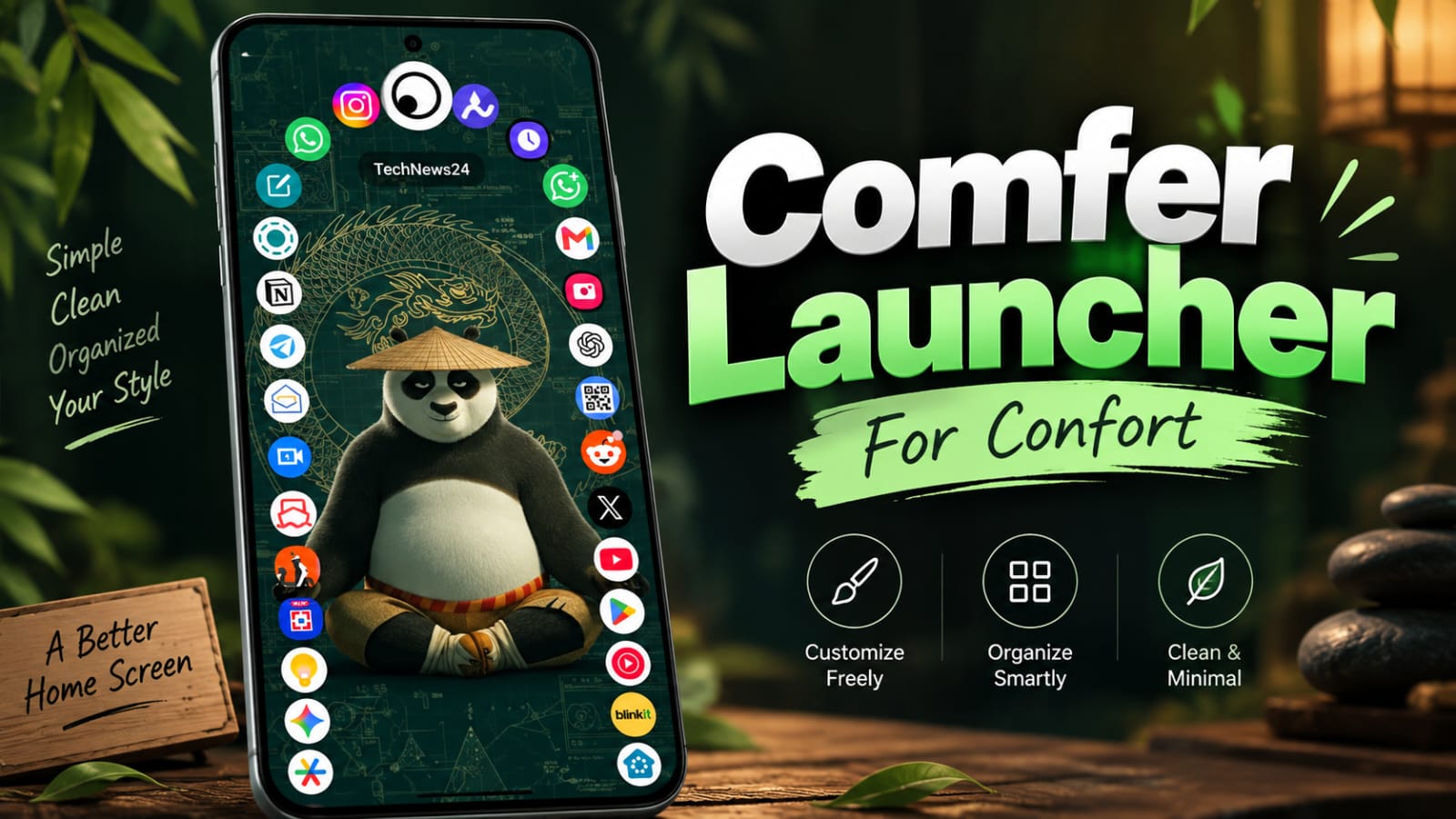
Your phone can look completely different with one good wallpaper, and a well-designed Live Wallpaper UI can make the entire home screen feel more personal and enjoyable.
Comfer is built around the idea of making mobile UI both comfortable and cool. Instead of focusing only on flashy effects, the concept combines visual appearance with practical elements such as wallpapers, themes, icons, launchers, and screen layouts.
A good mobile interface should look attractive without making basic actions harder. This guide explains how Comfer can fit into that experience, how live wallpapers affect UI design, how they compare with static wallpapers, and what you should check before choosing a customization app.
What Is Live Wallpaper UI?
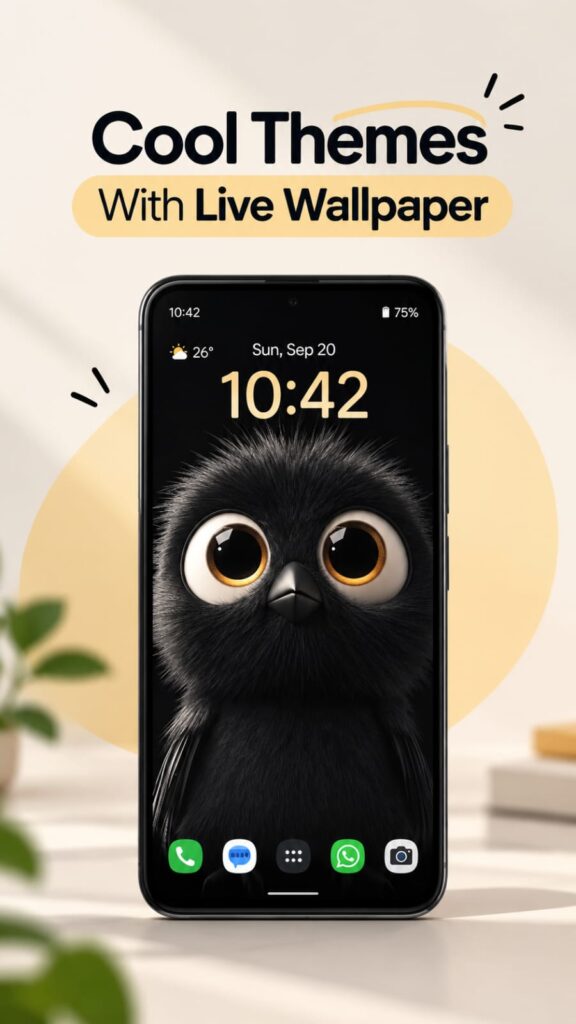
Live Wallpaper UI refers to the way animated wallpapers interact visually with the rest of a phone’s interface. The wallpaper is not just a background; its movement, brightness, colors, and visual details can influence how icons and widgets appear.
Visual balance is the foundation of a good mobile UI. If the wallpaper is too bright or constantly moving, app icons can become difficult to recognize and the home screen may feel distracting.
Comfer’s concept works around this balance by combining a stylish appearance with a comfortable viewing experience. The goal is not simply to add more animation, but to make the screen feel better suited to everyday use.
Why mobile UI comfort matters
Most people interact with their home screen many times throughout the day. Small design choices can therefore have a noticeable effect on how the interface feels.
A clean arrangement of icons, readable widgets, suitable colors, and controlled animation can make the screen easier to understand at a glance.
What makes a UI feel cool?
A modern interface does not necessarily need dozens of effects. A simple wallpaper with subtle movement, matching icons, and a well-organized home screen can create a polished appearance.
The strongest visual results usually come from several elements working together rather than one effect dominating the entire screen.
How Comfer Makes Mobile UI More Comfortable
Comfer focuses on the relationship between appearance and usability. This is important because customization can sometimes make a phone look impressive while making everyday interaction less convenient.
Comfortable colors and contrast
Wallpaper brightness has a direct visual relationship with icons and text. A very detailed image behind white icons, for example, can reduce visibility.
A darker wallpaper can make bright icons stand out, while a softer background can work well with colorful icon packs. The right combination depends on the phone’s display and the user’s preferences.
Cleaner home-screen layouts
A wallpaper cannot fix a cluttered home screen by itself. Removing unnecessary icons and keeping frequently used apps within easy reach can make the interface feel much cleaner.
Widgets should also have a clear purpose. A large clock or weather widget can look attractive, but it should not cover important parts of the wallpaper or make the screen feel crowded.
Controlled animation
Live wallpapers can include moving particles, flowing gradients, weather effects, 3D scenes, or other animations. The best choice depends on how much movement you find comfortable.
For everyday use, subtle animation may be easier to live with than an effect that constantly changes the entire screen.
These choices lead naturally to the most visible part of the experience: the wallpaper itself.
Live Wallpaper UI and Its Effect on Your Home Screen
A Live Wallpaper UI changes the way the home screen feels because the background is no longer completely static. Movement can add depth and make the device feel more dynamic.
However, animation needs to support the interface instead of competing with it. The wallpaper should complement your icons, not fight for attention.
Minimal live wallpapers
Minimal live wallpapers often use slow gradients, gentle particles, abstract shapes, or subtle lighting effects. These styles can add motion while keeping the home screen relatively clean.
They can work particularly well with simple icon packs and small widgets.
Dynamic visual styles
More detailed live wallpapers may feature landscapes, space scenes, neon graphics, abstract animations, or interactive effects.
These designs can create a stronger visual identity, but they also need more consideration. Bright animation behind icons can reduce clarity, especially when many elements move at once.
Matching wallpaper with icons
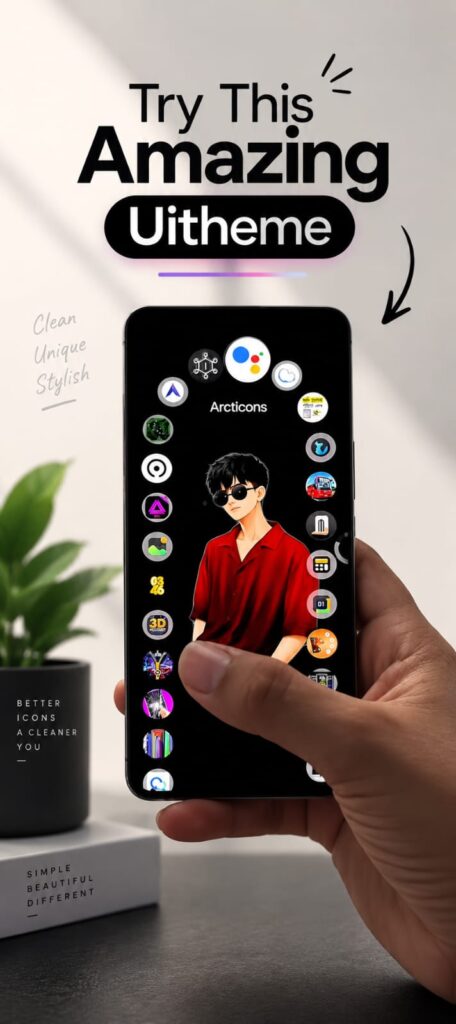
The icon pack and wallpaper should share a visual relationship. For example, a colorful animated background may work better with simple monochrome icons, while a dark minimal wallpaper can support brighter icons.
This small design decision can make a larger difference than adding another visual effect.
Themes, Launchers, and Live Wallpapers Explained
People often use the words theme, launcher, wallpaper, and UI interchangeably, but they perform different roles.
What does a theme change?
A theme can modify several visual components depending on the operating system or application. This may include colors, icons, fonts, backgrounds, and other interface elements.
A theme is therefore broader than a wallpaper alone.
What does a launcher change?
A launcher mainly controls the Android home-screen experience. It can provide different icon layouts, widgets, app drawers, gestures, folders, and visual settings.
If you want to redesign how your home screen works, a launcher usually offers more control than a wallpaper app.
What does a live wallpaper change?
A live wallpaper primarily changes the background and adds animation or interactive visual effects.
This makes it one part of the overall UI rather than a complete replacement for the phone’s interface.
Understanding these differences makes it easier to choose the right type of customization for your goal.
How to Create a Clean Live Wallpaper UI
Creating a good Live Wallpaper UI does not require filling every part of the screen with effects. Start with the background and build the interface around it.
Choose the right visual style
First decide whether you want a minimal, colorful, dark, nature-inspired, futuristic, or abstract appearance.
The wallpaper should match how you use your phone. A busy gaming-style design may suit one person, while another may prefer a simple gradient with subtle movement.
Keep important areas clear
Do not place highly detailed visual elements directly behind frequently used icons or widgets.
A cleaner center or upper area can help text and icons remain visible, depending on your home-screen layout.
Match the launcher
If you use a launcher with custom icon spacing, widgets, or gestures, check how the wallpaper looks with that setup.
A design that works with one launcher may feel different when the grid size, icon shape, or widget placement changes.
Consider battery usage
Live wallpapers can require additional processing compared with a static image, although the actual impact varies by wallpaper, device, display settings, and software implementation.
If battery life is important, test the wallpaper during normal daily use rather than assuming that every animated background has the same effect.
Live Wallpaper UI vs Static Wallpaper
Both options can create an attractive home screen, but they offer different experiences.
A static wallpaper stays visually consistent and generally requires no continuous animation. It can be a better choice if you prefer simplicity or want the lowest possible visual distraction.
A live wallpaper adds movement and can make the phone feel more dynamic. The trade-off is that animation can be distracting, may require additional processing, and can sometimes reduce icon readability.
The better option depends on your usage rather than a universal rule.
For a work-focused phone, a minimal static wallpaper may be easier to live with. For a personal device where visual customization matters more, a subtle live wallpaper can add character without overwhelming the interface.
Things to Check Before Choosing a UI Customization App
Before installing a customization app, look beyond screenshots. Check the application’s permissions, compatibility, update history, developer information, and recent user feedback.
Privacy should remain part of the customization decision. A wallpaper or launcher application should not receive unnecessary access to personal information without a clear reason.
Also check whether the application supports your Android version and device display correctly. Some effects may behave differently across phones because manufacturers use different software interfaces and hardware configurations.
If an app offers unusual permissions or makes claims that seem unrelated to its main purpose, review those details carefully before granting access.
Frequently Asked Questions
What is Live Wallpaper UI?
Live Wallpaper UI describes how an animated wallpaper fits into the overall mobile interface. It includes the relationship between the moving background, icons, widgets, colors, and screen layout.
How can Comfer make my phone UI look better?
Comfer can be viewed as a customization concept focused on combining comfortable layouts with attractive visual elements. A suitable wallpaper, clean icon arrangement, and controlled animation can make the home screen feel more polished.
Can live wallpapers affect phone performance?
They can require additional processing compared with a static wallpaper, but the effect varies by device and the specific wallpaper. Complex animations generally require more processing than simple moving gradients or subtle effects.
Is a live wallpaper better than a static wallpaper?
Neither option is universally better. A live wallpaper provides movement and visual character, while a static wallpaper offers a consistent appearance with no continuous animation.
Which is better for customization, a launcher or a live wallpaper?
A launcher provides broader control over the home screen, including icons, widgets, layouts, and app drawers. A live wallpaper mainly changes the background and adds motion.
Why does my live wallpaper look different on another phone?
Screen size, resolution, display technology, software, and launcher settings can change how a wallpaper appears. The same animation may also use different scaling or cropping on different devices.
Does a live wallpaper use more battery?
It can, depending on how the animation is designed and how the phone manages background activity. A simple animated wallpaper may have a smaller impact than a complex scene with continuous effects.
When should I use a minimal live wallpaper?
A minimal live wallpaper is useful when you want movement without making the home screen visually busy. It can work well with simple icons, small widgets, and clean launcher layouts.
Conclusion
Live Wallpaper UI can make a phone feel more personal when animation, icons, widgets, and colors work together instead of competing with each other. Comfer’s focus on comfortable and cool mobile UI shows why good customization is about more than simply adding effects.
Try a clean theme, a suitable launcher, and a subtle live wallpaper, then adjust the layout until your home screen feels both attractive and easy to use.